Selling Online: When Does a Hobby Become a Taxable Business?
November 2, 2026
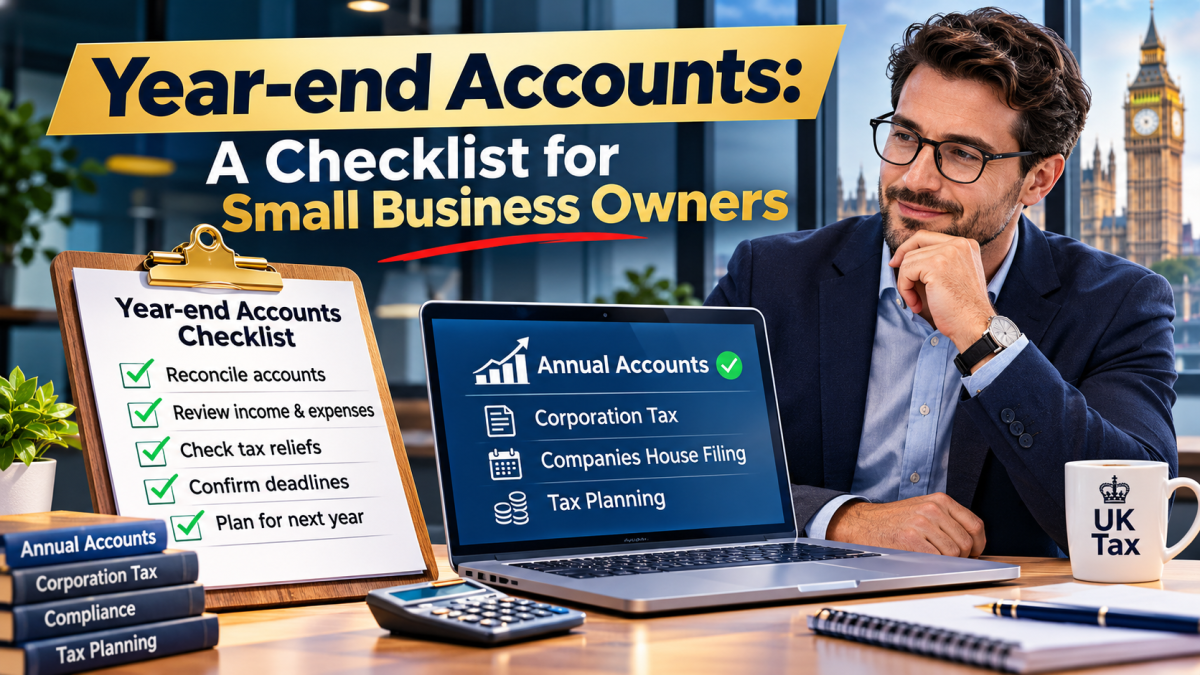
Year-end accounts: a checklist for small business owners
November 4, 2026
Accounting software: How to Choose the Right System for Your Business
Accounting software is more than a place to record invoices and expenses. The wrong one can introduce unnecessary complexity, unreliable reports and extra work for everyone involved. With so many products available, making a confident choice means looking beyond advertising claims and introductory prices.
Whether you run a start up, established limited company, consultancy, shop or property business, your requirements will differ. Accounting software should fit how money moves through your organisation, rather than forcing staff to adopt an awkward process. Choosing your system carefully today can save considerable time when your business becomes busier tomorrow.
1. Start with your business needs
Before arranging demonstrations, write down the tasks that consume the most time. These needs matter more than a long list of features you may never use. The one that suits a sole trader with ten monthly transactions may be unsuitable for a growing company managing projects, payroll and stock.
Consider who will use the system, how frequently records will be updated and whether your accountant needs direct access. Effective Accounting software should solve a specific business problem, such as knowing which customers owe money or whether tax has been set aside. Ask your team for feedback before choosing a platform, because the people processing transactions often know where existing workflows break down.
2. Understand the main types of systems
Most smaller organisations can choose between basic bookkeeping applications, broader cloud platforms and more specialised finance systems. Basic tools may handle receipts, invoices and bank transactions. Broader products can add payroll connections, purchase approvals, inventory or detailed reporting. Accounting software is not automatically better because it contains more functions.
Cloud platforms usually allow authorised users to access current data through a browser or mobile application, while desktop installations may provide different controls over local access and updates. Compare how Accounting software handles outages, backups and user permissions rather than assuming either approach is universally superior. A practical Accounting software decision starts with the simplest reliable option that meets present needs and offers a sensible path for future growth.
3. Prioritise everyday ease of use
An impressive dashboard is not useful if routine tasks take too many steps. Ask someone unfamiliar with the product to try a normal workflow. Accounting software should make the right action obvious, even when a user has limited bookkeeping experience.
Check whether the mobile app is genuinely functional or mainly a viewer. Well-designed Accounting software can encourage regular record keeping because staff are less tempted to postpone unpleasant administrative work. Avoid selecting a system on appearance alone: a clear trial using your own examples will tell you far more than promotional screenshots or a scripted sales demonstration.
4. Check bank feeds and transaction matching
Bank feeds can import transactions automatically from supported business accounts, reducing manual entry. However, availability varies by provider and bank, and feeds may occasionally require reconnection. Accounting software must also make reconciliation straightforward so that your recorded bank balance agrees with the actual statement.
During a trial, enter a customer receipt, supplier refund, card charge and transfer between accounts. Accounting software should help users identify mistakes rather than silently treating every imported line as correct. Remember that automation does not replace review: even excellent Accounting software relies on someone checking unusual payments, missing entries and transactions posted to the wrong category.
5. Review invoicing and payment collection
Businesses that bill customers should assess invoice templates, recurring invoices, quotation conversion, reminders and payment links. A freelancer may only need professional invoices and simple tracking. Accounting software can support healthier cash flow when it makes outstanding balances visible and helps staff follow up consistently.
Ask whether customers can pay directly from invoices and what transaction fees apply. Useful Accounting software can show which invoices are overdue without requiring a separate spreadsheet, but automated reminders still need human judgement for disputed accounts. If invoicing is central to your operation, Accounting software deserves testing against real customer scenarios before you agree to a subscription.
6. Choose expense and receipt tools that work
Expense management should be easy enough to use when a receipt arrives, not weeks later when paperwork has accumulated. Accounting software may use optical character recognition to suggest transaction details, but users should verify dates, suppliers, totals and VAT treatment before accepting an entry.
If staff buy items for the business, consider approval arrangements and reimbursements. Accounting software should make that distinction understandable and auditable. Evaluate how long supporting documents remain accessible, particularly if you later change providers. Good Accounting software supports evidence-based record keeping; it does not remove the need to retain adequate documentation and apply the correct tax rules.
7. Accounting software and Making Tax Digital
UK businesses should check relevant HMRC digital reporting requirements before buying a subscription. Accounting software can fulfil these functions directly, while suitable bridging tools may connect compliant spreadsheet records to HMRC. Compatibility for VAT does not automatically mean a product meets every Income Tax requirement.
Making Tax Digital for Income Tax began for certain sole traders and landlords from 6 April 2026 where qualifying income exceeded £50,000 in 2024/25. Accounting software used for this regime must support the necessary digital records, quarterly updates and tax return process, potentially through connected products. Verify Accounting software against HMRC’s current recognised-product finder and discuss the complete reporting workflow with your accountant before signing up.
8. Decide which integrations really matter
Many businesses already use payment processors, ecommerce platforms, time tracking, payroll providers or customer relationship systems. Accounting software should connect smoothly to systems you genuinely depend on, not simply offer the largest possible directory of applications.
For an online retailer, test whether sales, refunds, platform fees and VAT reach the ledger in a usable format. Accounting software integrations should be evaluated for subscription costs, sync frequency, support responsibility and how errors are resolved. Before relying on Accounting software to combine different sources, make sure staff know which system holds the original record and who will reconcile the final figures.
9. Consider payroll and employment needs
If you employ staff, consider whether payroll should sit within the same product or remain in specialist software. Accounting software may include payroll as an add-on, or it may connect to another provider. Neither approach is automatically better.
Think about who will operate payroll and what happens when staff are absent. Sensitive salary information should not be visible to every general bookkeeping user. Accounting software with role-based permissions can help separate payroll administration from ordinary purchase processing. A business choosing a platform should judge the whole payroll workflow, including compliance and confidentiality, rather than relying on a headline claim of integration.
10. Look at VAT and tax treatment carefully
Correct VAT treatment can become complicated when businesses make overseas sales, buy international services, use the Flat Rate Scheme or process reverse charge transactions. Accounting software should allow users to review VAT entries before submitting a return and investigate adjustments when necessary.
If your business is partly exempt, handles property transactions or regularly has unusual supplies, seek advice before treating a standard automated code as definitive. Accounting software can reduce arithmetic and data-entry errors, yet it cannot replace professional interpretation of difficult transactions. Reliable Accounting software gives you an auditable trail from source document to return, helping your accountant identify problems before they become costly.
11. Assess reporting beyond the profit figure
A profit and loss statement is useful, but business owners also need to understand liquidity, debtors, creditors, margins and upcoming commitments. Accounting software should let you drill down from a summary figure into the underlying transactions, not merely display colourful charts.
Different organisations need different management information. Accounting software offering tracking categories or cost centres may therefore be worth more than an inexpensive basic package. Before choosing Accounting software, ask your accountant to identify three reports that would improve your decisions and test whether the system can produce them accurately.
12. Understand Accounting software costs
Monthly advertising prices rarely tell the whole story. Payment providers may also deduct fees. Accounting software can be cost-effective at a higher subscription price if it eliminates substantial manual work, while a cheaper plan may cost more once essential additions are included.
Prepare a twelve-month comparison covering setup, migration, training, subscriptions, add-ons and any accountant charges. Accounting software should be judged on total ownership cost, not simply the first month’s payment. Conversely, avoid paying for advanced functions you may never use. The best-value platform is the option that meets your requirements reliably at a cost proportionate to the time and risk it saves.
13. Treat security as an essential feature
Financial systems contain confidential customer details, supplier records and commercially sensitive information. Accounting software should support individual user accounts, rather than encouraging staff to share a single password. Remove access promptly when an employee or adviser no longer needs it.
Understand where data is stored, how it can be exported and what contractual responsibilities apply. Accounting software security also depends on users recognising phishing emails and protecting their devices. A secure Accounting software deployment includes sensible internal procedures, staff training and periodic access reviews; subscribing to a reputable platform is only one part of that protection.
14. Plan for growth without overbuying
Think about likely changes over the next two or three years. Accounting software should have enough flexibility to accommodate plausible developments without forcing an immediate expensive upgrade. Ask providers about plan limits, user numbers, transaction allowances and available integrations.
However, avoid purchasing a complex enterprise-style system simply because your business might become larger one day. Accounting software should match your current operational maturity while leaving room to scale. Review your needs annually, because the best Accounting software for a business today may not remain the best choice after major changes in trading activity, ownership or reporting requirements.
15. Make your accountant part of the decision
Your accountant can often identify features you would otherwise overlook, including year-end adjustments, tax return exports, detailed ledgers and access to underlying evidence. Accounting software should allow your accountant to investigate records without continually requesting screenshots or spreadsheet exports.
At the same time, the decision should reflect your own daily workflow rather than your accountant’s preference alone. Accounting software works best when the business owner, bookkeeper and accountant agree on responsibilities. Before committing, discuss how your Accounting software will be maintained, reviewed and used to prepare reliable information for both management and compliance purposes.
16. Test Accounting software with a realistic trial
A free trial is valuable only when you use it to complete meaningful tasks. The chosen platform should perform those tasks consistently without complicated workarounds. Record the time taken, errors encountered and questions your staff could not answer.
Invite your accountant to review the test data, especially VAT codes and opening balances. Accounting software trials also reveal whether mobile access, permissions and integrations behave as advertised. Compare two or three realistic options using the same scenarios. Choosing Accounting software after a structured test is usually more informative than selecting whichever brand has the strongest marketing campaign.
17. Prepare data before migrating
Changing systems can be an opportunity to clean up financial records. Decide which historic transactions need to move and which records can remain securely archived. Accounting software providers vary in their import capabilities, so confirm what formats they accept and whether attached documents transfer.
Choose a sensible changeover date, often at the beginning of a reporting period, and keep a copy of the original records. Accounting software should be checked after migration by comparing balances, debtors, creditors and VAT positions against the previous system. A careful Accounting software migration protects the continuity of your bookkeeping and reduces the chance of errors appearing months later.
18. Set clear bookkeeping responsibilities
Even the best platform will produce unreliable reports if transactions are ignored or coded inconsistently. Accounting software should support a regular routine rather than become a repository visited only when a deadline approaches.
Create simple instructions for common transactions and an escalation process for unfamiliar items. Accounting software with an audit trail can help managers review changes and correct errors. Set a monthly review with your accountant or bookkeeper if necessary. Consistent use of Accounting software is usually more valuable than advanced automation that nobody understands or checks.
19. Avoid common selection mistakes
One frequent mistake is choosing on price alone. Another is assuming popular software must be right for every type of business. System decisions should start with requirements, not brand loyalty, fear of change or a temporary promotion.
Businesses also underestimate onboarding time, data cleaning and staff training. Testing reports only after several months can reveal costly configuration mistakes. Accounting software should therefore be reviewed soon after implementation, with issues corrected while the transactions are still familiar. Do not assume Accounting software automatically guarantees tax compliance, eliminates bookkeeping review or produces a reliable forecast.
20. Choose the right fit for your industry
Different sectors create different accounting challenges. Landlords often want property-level income and expenditure analysis. Professional services firms may value recurring invoices, time tracking and work-in-progress monitoring. Accounting software should reflect these operational differences instead of presenting a generic workflow as the only option.
A growing limited company may need more detailed reporting, creditor controls and support for director transactions than a self-employed consultant. Accounting software selection should also consider whether you manage multiple businesses, currencies or bank accounts. Appropriate Accounting software is the system that handles normal activity accurately, not merely one that impresses during a demonstration.
21. Build a practical decision checklist
Start by ranking your requirements as essential, desirable or optional. Desirable items could include receipt capture, recurring bills and integrated payments. Accounting software should be rejected if it fails a critical requirement, regardless of attractive secondary features.
Next, score shortlisted products against usability, reporting, integrations, total cost, security and future flexibility. Accounting software should also have a workable exit plan: confirm that you can export key records in commonly usable formats. Finally, discuss the shortlist with your accountant. This method turns Accounting software selection into a documented business decision rather than an impulse purchase based on a discount or recommendation from another organisation.
22. Check support and business continuity
Even a straightforward bookkeeping product can generate urgent questions when a VAT deadline approaches or a bank connection fails. Before subscribing, examine support opening hours, available channels and the quality of practical guidance. Is telephone help included or reserved for a premium plan? Can you get assistance with imports, corrections and user access? Read recent independent reviews for patterns rather than relying on a single complaint or unusually positive testimonial. Where possible, contact support during the trial and judge whether the answer actually resolves your issue.
It is also worth planning for disruption. If the service becomes temporarily unavailable, can you still retrieve essential invoices or maintain a controlled record of urgent transactions? Find out how the provider communicates incidents, restores service and protects backups. Establish an internal process for retaining bank statements and key financial exports at sensible intervals. No provider can promise that technical interruptions will never occur; resilience means knowing how your business will continue safely when one does. A few questions asked before purchase can prevent far greater inconvenience during an important reporting period.
23. Final thoughts: choosing confidently
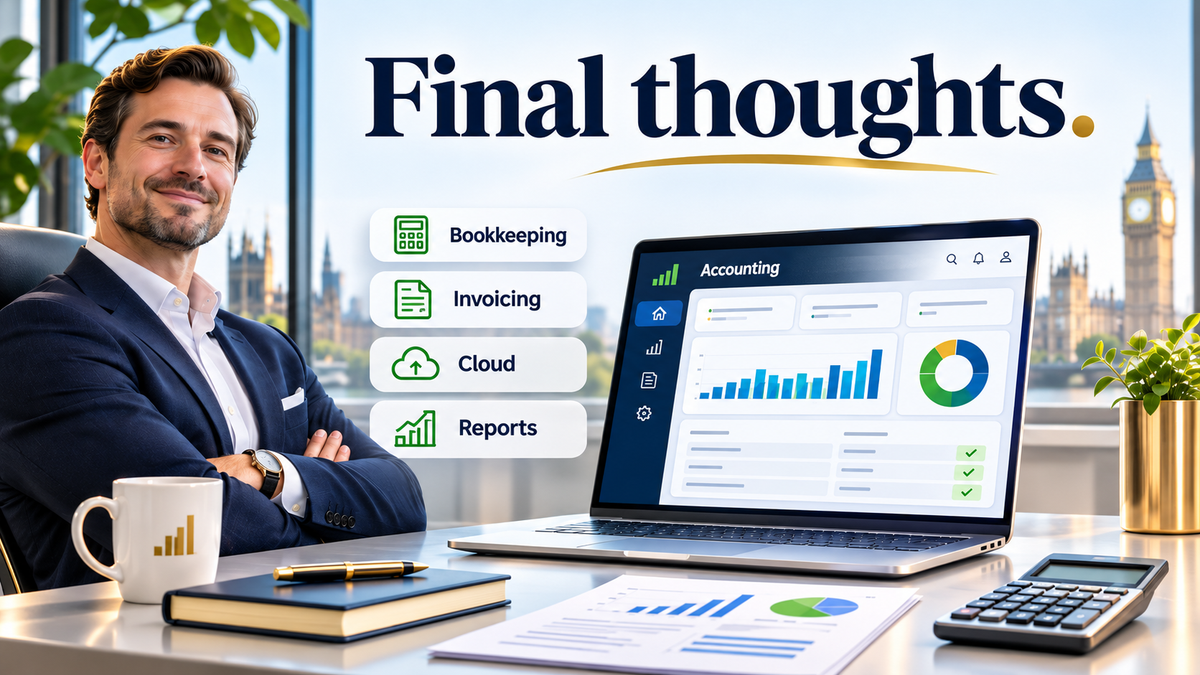
There is no single perfect platform for every organisation. Accounting software can deliver considerable value, but only when its features suit the business and users understand how to maintain accurate records.
Begin with your requirements, run realistic trials and assess the entire cost. Include bank reconciliation, security, industry-specific processes and your accountant’s workflow. Accounting software should help you spend less time correcting records and more time understanding performance. Choosing Accounting software with professional input can turn a routine subscription into a useful part of your wider financial management.
Need help deciding what’s best for your situation?
📞 Call 0161 710 1901
📧 Email Tax@TaxesDoneRight.co.uk
Visit www.taxesdoneright.co.uk